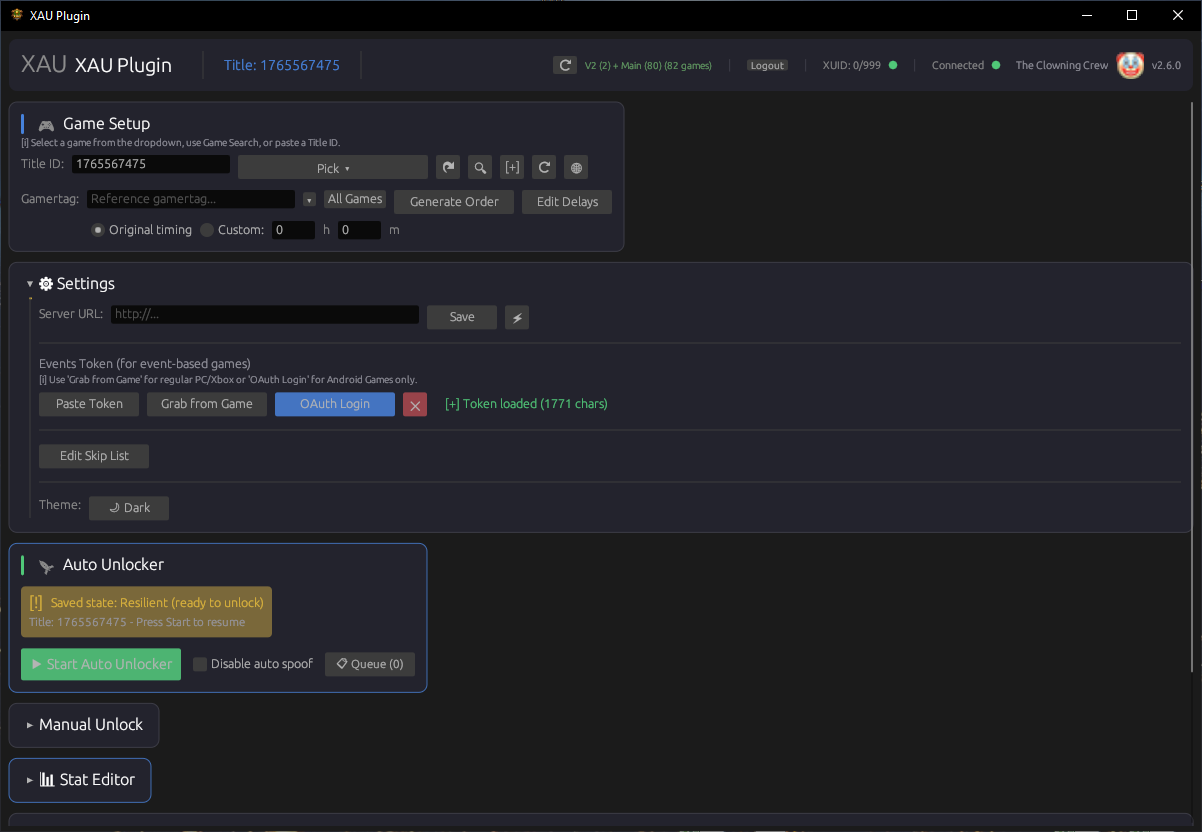
One-click auto-unlock for entire games. The unlocker handles timing,
progress tracking, verification and error recovery automatically — just press Start and
let it run.
🎯
Manual Single Unlock
Unlock any individual achievement by ID. Perfect for picking off
specific achievements you are missing.
🧠
Smart Unlock Order
Enter a reference gamertag and the unlocker pulls their achievement data
directly from Xbox Live, generating a perfectly timed unlock order with original
timestamps preserved.
⏱️
Custom Timing Control
Choose original timing (replicates the reference player's unlock
schedule) or set custom delays in hours and minutes for faster or slower unlocking.
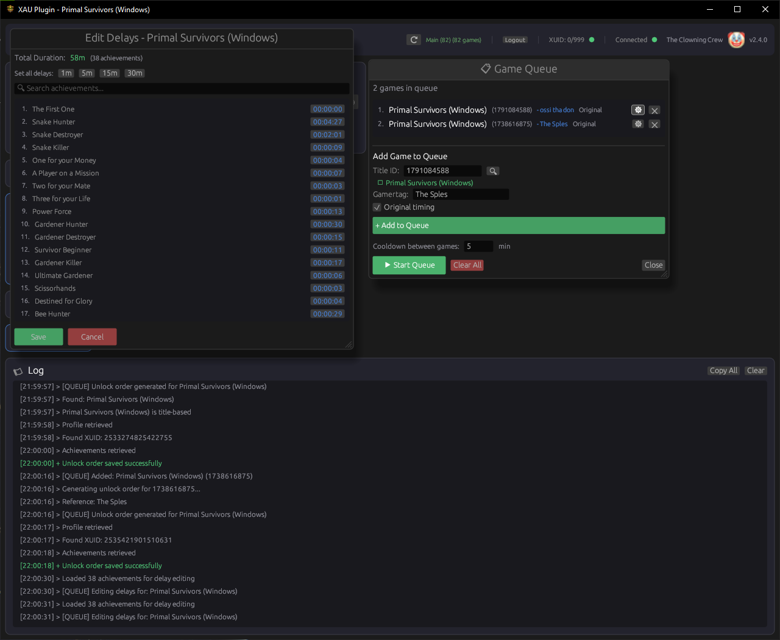
🎮 Game Queue & Batch Processing
📋
Multi-Game Queue
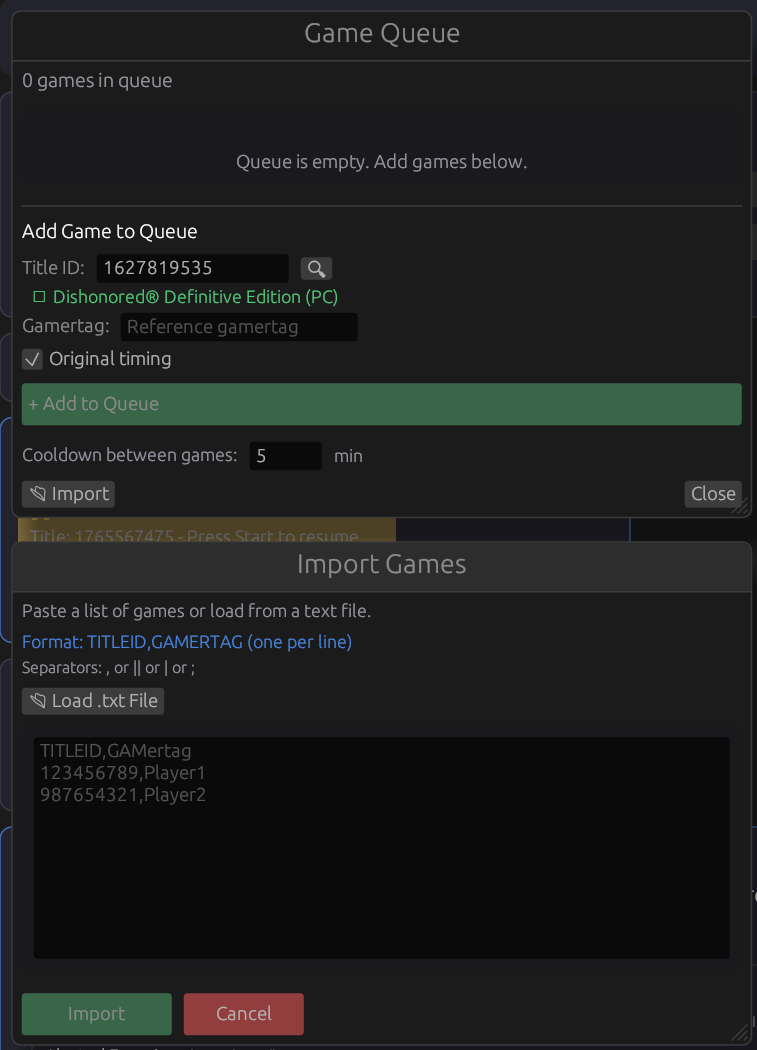
Queue up multiple games and let the unlocker unlock them all
sequentially — automatically moving to the next game when one finishes, with
configurable cooldown between games.
📥
Queue Import
Paste a list of title IDs and gamertags to bulk-add games to the queue
instantly.
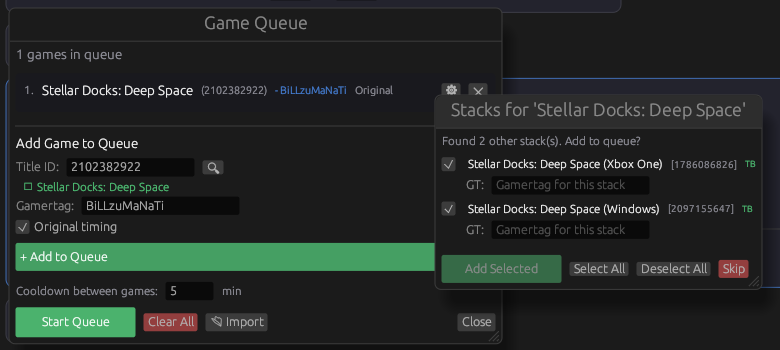
🧩
Stack Suggestions
Automatically detects cross-platform versions of the same game (e.g.
Xbox One vs. Series X|S) and suggests adding them all to the queue at once.
🕘
Gamertag History
Remembers your last 10 used gamertags with auto-complete, so you don't
have to re-type them.
⚡ Performance & Intelligence
📡
RTA WebSocket Monitoring
Connects to Xbox Live's real-time achievement event stream via
WebSocket, providing instant feedback when achievements unlock — no polling delays.
🛡️
Multi-Layer Fallback
If an unlock fails, the unlocker automatically retries with alternate
strategies: string replacement, main folder data fallback and title-based nudge.
Achievements that are 100% complete but still locked get a special force-unlock attempt.
🎫
Event Token Grabber
Retrieves the required event tokens with a single button press — the
system briefly launches Microsoft Solitaire Collection, captures the active
authentication token and feeds it into the unlocker. Fully automated.
🔐
OAuth Login
Secure OAuth authentication flow using an included external helper
tool. Sign in with your Xbox credentials once — the tool handles token generation.
🔧 Advanced Tools
📊
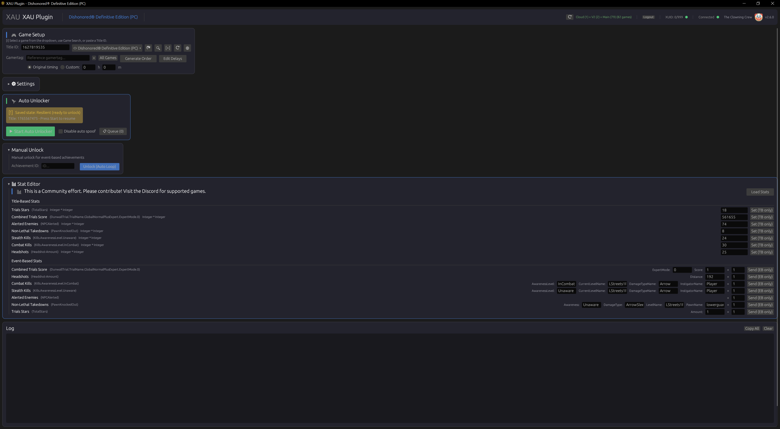
Stat Editor
Read and write in-game stats directly via Xbox Live APIs. View hero
stats, modify values and verify changes with automatic read-back verification.
📮
Event Stat Editor
Send custom game events through Xbox's OneCollector pipeline to modify
stats that can't be changed through the stats API.
⏭️
Skip List Editor
Choose exactly which achievements to skip during auto-unlocking.
Search, browse and toggle individual achievements with a visual editor.
⏳
Delay Editor
Customize the timing delay for every individual achievement. Override
the generated timing with your own schedule using hours, minutes and seconds.
🎭
Game Spoofing
Makes Xbox Live think you're actively playing the target game, with
automatic background ping every 5 minutes to keep the session alive throughout long
unlock sessions.
🕹️ Game Library & Discovery
☁️
Cloud Game Library
Games are fetched from the cloud, always showing the latest supported
titles with automatic franchise grouping.
🔍
Game Search
Search the entire Xbox game catalog by name to find title IDs
instantly.
🔔
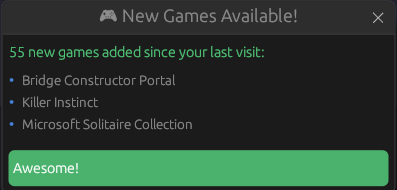
New Games Notifications
Get alerted when new games are added to the supported library since
your last session.
🔄
Recent Games
Quick-access list of your last 5 used games for one-click reloading.
💾 Session Management
♻️
Auto-Resume on Restart
If you close the app or it crashes mid-unlock, it saves the exact
state (achievement, timing, target time) and resumes from where it left off on next
launch.
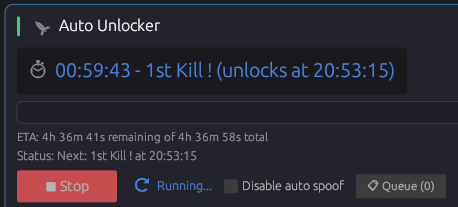
⏰
Live Countdown Timer
Real-time countdown to the next unlock with the exact local time it
will fire — e.g. 00:05:32 - Achievement Name (unlocks at 14:23:15).
📈
Progress Tracking
Visual progress bar with X/X achievement counter and estimated
remaining time that updates in real time.
🌈
Color-Coded Log System
Timestamped, color-coded logs — green = unlocked, red = error, yellow
= warning, blue = info — for complete visibility into what's happening.
📦 Auto-Updates & 🎨 User Interface
⬇️
OTA Updates
Automatically checks for new versions on startup. One-click download
and install with progress bar — no manual downloads needed.
📝
Changelog Popup
Shows what's new after every update, so users always know about new
features and improvements.
🌗
Dark & Light Themes
Toggle between dark and light mode with a polished, modern UI and
franchise-grouped game picker.
🪟
Dynamic Window Title
Shows the current game name in the window title bar for easy
identification, with a color-coded scrolling log console.
🎉
Full Events V2 Support
Works with event-based games out of the box — check the tutorial video
below.
 |
Join the community: